
How to Check BISP Online Payment Status in 2025
The Benazir Income Support Program (BISP) is one of Pakistan’s largest social welfare initiatives, providing financial assistance to deserving families. If you are a BISP beneficiary or have registered for the program, you may be eager to know how to check your payment status for the year 2025. The process has become simpler with online tools, SMS services, and the BISP helpline. This guide will walk you through all the methods available to check your BISP payment status and ensure you’re eligible for the PKR 13,500 financial aid.
1. Check BISP Payment Status Online via the 8171 Web Portal
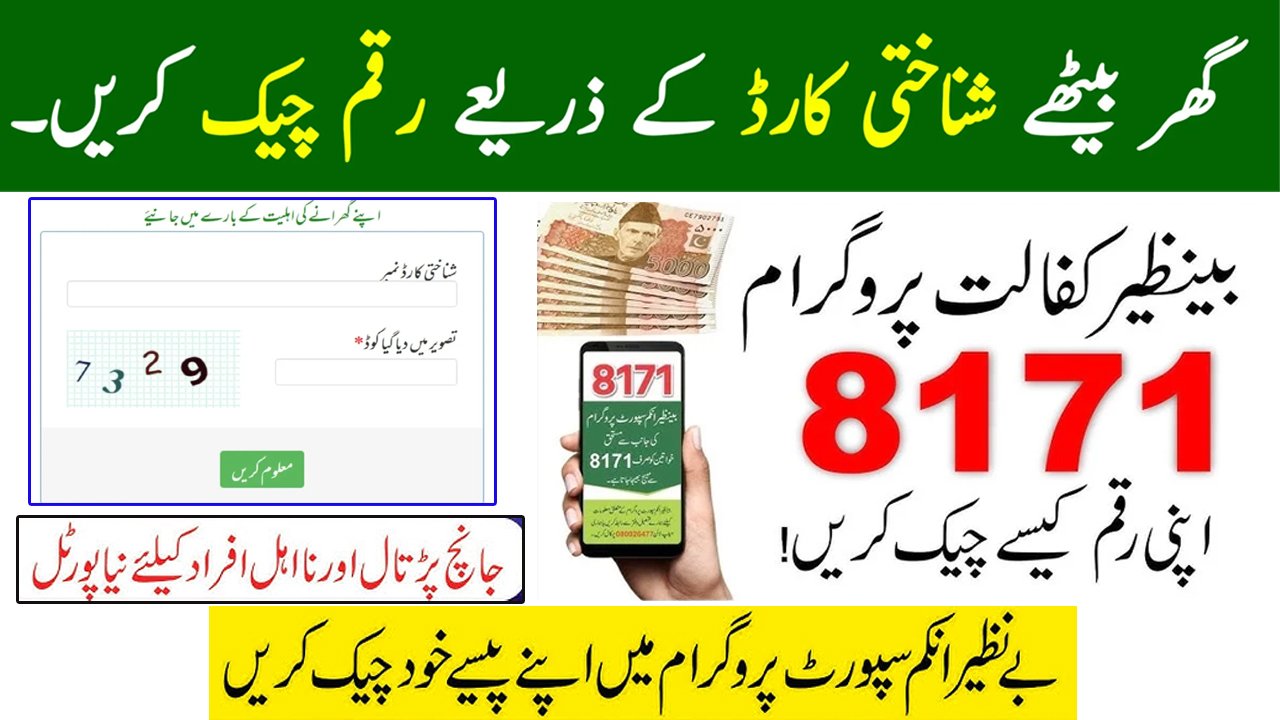
The official BISP 8171 portal provides an easy way to check your payment status online. Follow these simple steps to find out if you are eligible for the payment and when you can expect it.
Steps to Check Your Payment Online:
-
Visit the Official BISP Portal: Open your browser and go to https://8171.bisp.gov.pk.
-
Enter Your CNIC: On the homepage, you will see a field to enter your 13-digit CNIC number (without dashes). Make sure your CNIC number is correct.
-
Solve the CAPTCHA: A CAPTCHA code will appear on the screen to verify that you are not a robot. Enter the characters you see in the box.
-
Click “Find Out” (Maloom Karen): Once you’ve entered the correct CNIC and CAPTCHA, click the “Find Out” or “Maloom Karen” button.
-
View Your Payment Status: If you are eligible for payment, the portal will display your payment details. This will include the payment amount, collection method (ATM or authorized centers), and payment date. If you are not eligible, the portal will notify you to take further steps or reapply.
2. Check BISP Payment via SMS
If you don’t have access to the internet or prefer a quicker method, you can easily check your BISP payment status through SMS. This method is available for all mobile network users.
Steps to Check Payment via SMS:
-
Type Your CNIC: In your mobile phone’s message app, type your CNIC number without any dashes. For example, “1234567890123”.
-
Send to 8171: Send your CNIC number to 8171. This is the official SMS service for checking BISP payments.
-
Wait for the Reply: You will receive an SMS from BISP that informs you about your eligibility for the payment, the amount, and any further instructions. If you are not eligible, you might be asked to verify your details or contact BISP for clarification.
3. Contact the BISP Helpline for Assistance
If you’re facing difficulties checking your payment status online or via SMS, you can always contact the BISP helpline. The team at BISP can help you resolve any issues and provide you with the necessary information.
How to Contact BISP Helpline:
-
Call the BISP Helpline: Dial 0800-0000 to reach the BISP helpline. This service is available during working hours, and you can speak with a customer representative.
-
Provide Your CNIC: Once connected, provide the representative with your 13-digit CNIC number for verification.
-
Get Payment Status: The representative will check your payment status and inform you if you’re eligible for the PKR 13,500 payment. They can also assist you in resolving any registration issues.
4. Visit Your Nearest BISP Office
If you are unable to check your payment status online or via SMS, or if there are discrepancies in your payment details, visiting your nearest BISP office is a reliable solution. The BISP offices can provide direct assistance.
Steps to Check at a BISP Office:
-
Find the Nearest BISP Office: To locate your nearest BISP office, visit the official BISP website or search online for the nearest center in your area.
-
Bring Your CNIC: Take your original CNIC card with you to the office. The staff will need this to verify your identity and eligibility.
-
Speak with the Staff: Once at the office, provide your CNIC to the staff, and they will assist you in checking your payment status. They can also guide you if any additional steps are required for payment collection.
5. Common Payment Issues and Troubleshooting
There can be a few reasons why your payment status may not show up, or you might face issues when trying to check online. Here are some common problems and solutions:
-
Payment Status Not Found: If you don’t see your payment status, it might be due to incomplete registration or technical issues. Double-check your CNIC and try again. If the issue persists, contact the BISP helpline or visit a local BISP office.
-
Eligibility Issues: If you’re not eligible for payment, check for any notifications on your status page or SMS. In some cases, you may need to update your information or register again for the program.
-
Technical Issues with the 8171 Portal: The 8171 web portal may sometimes experience high traffic, making it temporarily unavailable. Try again later, or use the SMS service as an alternative.
Conclusion
Checking your BISP payment status in 2025 is now easier than ever with multiple methods at your disposal. Whether you choose the online portal, SMS service, helpline, or visit a BISP office, you can stay updated on your payment and ensure you receive the financial aid you’re entitled to.
Don’t miss out on your PKR 13,500 payment! Follow the steps outlined above to check your status and take action if needed. If you’re still unsure or face any issues, BISP is there to assist you through every step of the process.